dhgate Mobile Shipping Notes Comparison
dhgate Mobile Shipping Notes Comparison
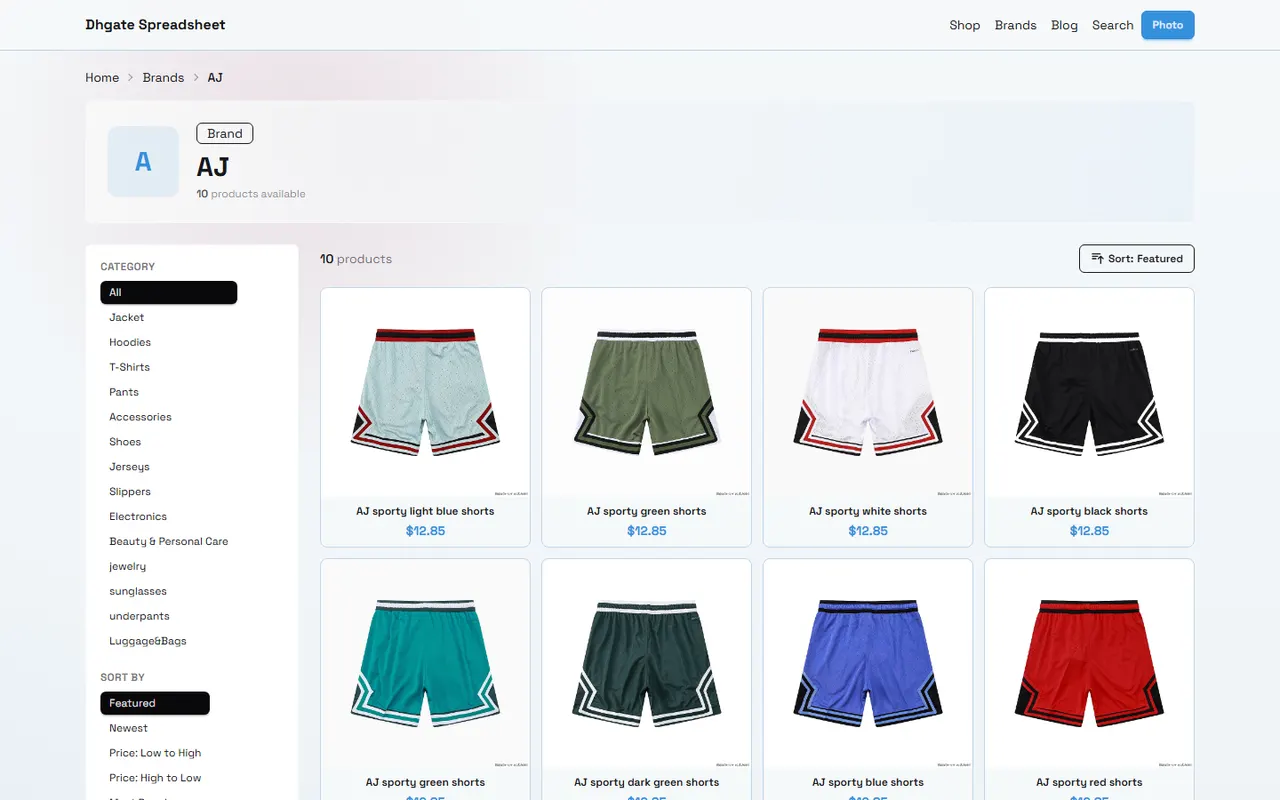
On mobile, when organizing dhgate products, the most confusing thing isn't the product price, but the three states: "shipping cost known", "needs seller confirmation", and "currently cannot be proven". Mixing them in the same column makes it easy to misjudge when comparing total prices, deciding whether to combine packages, or choosing shipping routes.
This article only deals with one specific task: using dhgate-spreadsheet.net and Google Sheets on mobile to create a list of shipping costs awaiting confirmation. After reading, you should be able to record known shipping information, missing fields, questions to ask the seller, and the next verification method for each product.
This method is not applicable to orders that have already been paid, have generated trackable waybills, or require direct shipment decisions based on real-time carrier quotes. Mobile spreadsheets can only help you organize evidence, not replace seller confirmation, platform settlement pages, or destination country customs rules. 📱
First determine the shipping cost task and device limitations to record on mobile
Before starting, define which decision the "shipping cost awaiting confirmation" is meant to support. There are three common goals:
Determine whether a product is worth further inquiry.
Compare estimated total costs of different products under the same transportation conditions.
Organize fields that need to be confirmed with the seller or logistics service when preparing to combine multiple products.
Mobile is suitable for quick recording, not for viewing many horizontal fields at once. On a narrow screen, product name, shipping cost status, weight, dimensions, and notes may require horizontal scrolling; if you cram all information into a long note, it will be hard to review when you return to the spreadsheet.
It's recommended to have one row represent one product or one independent quote, not multiple products, sellers, and shipping options. If the same product has different routes, split them into multiple rows and distinguish them in the "Plan ID" column, rather than overwriting the original record.
Device limitations also affect judgment:
After the browser goes back, the filter conditions may need to be reconfirmed.
After opening a new window or external page, the original spreadsheet position may be lost.
When zoomed too much, field values may be truncated.
When copying product titles or shipping cost text, currency symbols and units may be incomplete.
When the mobile network is unstable, a save action does not necessarily mean the page content has been successfully synced.
Therefore, the first principle of mobile recording is: every key value should retain its source location or verification note, not just leave an isolated amount. ✅
View product and logistics fields in dhgate website-based Spreadsheet
The spreadsheet page on dhgate-spreadsheet.net should be treated as a tool for recording and organizing, not as proof that automatically generates final shipping cost quotes. For each product row, first check the actually visible product name, seller information, product page status, and the shipping-related fields currently visible.
When recording, check in the following order:
Is the product name clear and can it correspond one-to-one with the target product?
Is the seller or store identification still visible?
Can the product page open normally, instead of a blank page, invalid page, or a list page with only tabs?
Does the page display destination, shipping method, shipping cost, or delivery conditions?
Are weight, dimensions, quantity, and packaging information clearly marked?
Is the currency, unit of measure, and applicable conditions next to the price complete?
If the page only shows "contact seller", "shipping cost to be determined", or similar prompts, it should be recorded as unconfirmed, not inferred from other products. Different sellers, destinations, quantities, packaging methods, and routes may lead to different results, even if the product names are similar, you cannot directly copy the amount from a neighboring row.
For shipping information seen on the page, the evidence can be divided into three levels:
Page clearly displays: record the original text and viewing date.
Page prompts inquiry needed: record as seller confirmation item.
Page has no relevant information: record as missing information, not as free or zero shipping cost.
If you need to return to the spreadsheet from a product page, copy the minimum necessary content first, then go back and confirm whether the row was saved successfully. Do not switch quickly between multiple browser pages and then fill in amounts from memory. 🔎
Set up columns and notes for shipping costs awaiting confirmation in Google Sheets
The key point of Google Sheets is not to add more fields, but to make each field serve a clear judgment. You can use the following columns:
Field | Recorded content | Purpose |
|---|---|---|
Product name | Page-visible name | Identify product |
Product or plan ID | Available identifier on page | Distinguish same style or different routes |
Seller confirmation status | Displayed, inquiry needed, not found | Judge evidence strength |
Destination | Country or region, supplement with state, province, or city if necessary | Limit quote conditions |
Shipping method | Route displayed on page or to be confirmed | Compare plans |
Product weight | Value and unit, leave blank if cannot confirm | Basis for estimation |
Package dimensions | Length, width, height and unit, leave blank if cannot confirm | Check volumetric weight |
Page shipping cost | Amount directly displayed on page | Preserve visible facts |
Questions to confirm | Specific questions to ask seller | Prepare next communication |
Evidence notes | Page location, viewing date, and missing fields | Facilitate review |
"Seller confirmation status" should use fixed values to avoid writing "to ask" one time, "inquiring" another, and "undetermined" another. Fixed statuses are more suitable for mobile filtering and can reduce the same meaning being split into multiple categories.
"Questions to confirm" should be written as questions that can be sent directly. For example:
What is the shipping cost for this product to the specified country and region?
Which shipping method does the quote include, and does it include last-mile delivery?
Do you need to provide net weight, packaged weight, and outer box dimensions?
When purchasing multiple items together, is shipping calculated by quantity, actual weight, or volumetric weight?
What is the currency and unit of measure for the page amount?
Don't use "approximately how much is shipping" as the only note. It doesn't specify destination, quantity, and shipping method. Even if you get a reply later, it's hard to determine which row the reply corresponds to.
If multiple people maintain the spreadsheet, it's recommended to append "inquiry date" and "reply status" in the notes, but do not paste complete order numbers, payment card information, passport information, or uncovered waybill content. 🔐
Compare item by item based on weight, dimensions, route, and missing information
Shipping costs awaiting confirmation cannot be sorted only by product list price. At least the following four items should be placed in the same judgment framework:
First is weight. The weight displayed on the product page may be net weight, unit weight, or may not state whether packaging is included. When weight is unconfirmed, do not simply multiply the product quantity by the weight of a similar product.
Second is dimensions. Light but bulky products may be affected by volumetric weight. Only when billing rules, dimension units, and packaging status are clear is it appropriate to calculate. Otherwise, "need to confirm packaged dimensions and billing method" should be listed as the next step question.
Third is route. Different shipping methods may correspond to different delivery times, tracking capabilities, restrictions, and costs. Seeing only an amount does not mean you know the complete shipping plan. When the route name is unclear, keep the original page text and mark it as needing confirmation.
Finally is missing information. Missing any of destination, quantity, weight, dimensions, or route makes shipping cost impossible to compare. Missing fields can be written as short labels, such as "missing destination", "missing package dimensions", "missing route", for easy filtering on mobile.
When comparing, you can use three states instead of forcing an accurate total price:
Comparable: key conditions are basically consistent, amounts and units are clear.
Can inquire: product information is sufficient, but shipping fields need seller supplementation.
Temporarily not comparable: multiple key conditions are missing, continuing to compare would create false certainty.
Records organized in dhgate-spreadsheet.net should remain consistent with the original state in Google Sheets. If one place says "to be confirmed" and another has a specific amount, you must go back to the source page to check which record is supported. Don't fill in zeros, averages, or "free shipping" just to make the spreadsheet look complete.
Use a simple table to distinguish known, seller-confirmed, and to-be-verified content
When the list gets long, you can create a separate "to-be-verified summary" that only includes items that affect the next decision:
Product or plan | Known information | Seller confirmation items | To-be-verified content | Next step |
|---|---|---|---|---|
Product A | Product name, destination, page-displayed shipping method | Packaged weight, actual shipping cost | Whether last-mile delivery is included | Ask seller |
Product B | Product name, quantity | Shipping cost to destination, available routes | Dimensions not displayed on page | First fill in destination and dimensions |
Product C | Product name, page price | Weight, dimensions, route, and shipping cost | Most key fields missing | Temporarily not comparable |
"Known information" should only contain content directly visible on the page or from reliable records; "seller confirmation items" should contain content requiring explicit reply; "to-be-verified content" should contain content you still need to check in the page, platform settlement, or logistics instructions.
If the seller replies with shipping costs, the reply should be matched to the specific product, quantity, destination, and shipping method, and the reply date should be kept. Quotes may change with conditions, so do not delete old records. You can add a new row or indicate old and new statuses in the notes to avoid unexplained amount changes.
Check mobile zoom, scrolling, link opening, and return paths
Before saving, do a mobile usability check. First zoom the spreadsheet to a level where column names and status values are legible, then scroll horizontally to confirm that amounts, currencies, or units are not misread. For long notes, open the full cell text to check, rather than only seeing the first few characters.
Confirm the following actions one by one:
Product name is identifiable from the spreadsheet.
Status column can be filtered or quickly viewed on mobile.
After opening the page, you can still return to the original product row.
When returning from an external page, no adjacent cells were accidentally modified.
New content has been synced, not stuck in edit state.
Amounts, units, dates, and notes have not been automatically formatted incorrectly.
A link opening only means the page is accessible, not that the shipping cost on the page applies to your destination. The return path is also important: if you cannot locate the original record after opening the product page, it's suggested to temporarily write down the product name or plan ID in the notes, then continue checking.
Mobile operations should also avoid rapid consecutive clicks on save, back, and filter. With network delay, repeated operations may cause duplicate rows or overwrite modifications. After completing a batch of records, reload or switch to another view to confirm the content still exists. ⚙️
Identify shipping information that cannot be proven from page or spreadsheet
The following content cannot be inferred solely from product titles, product images, or a spreadsheet:
Final shipping cost payable in the destination country.
Accurate packaged weight and dimensions.
Calculation rules for volumetric weight.
Shipping transit time and promised delivery date.
Whether customs duties, VAT, or other destination country fees are included.
Documentation required for customs clearance and import restrictions.
Which party bears shipping cost for returns.
Final quote for multiple products after combining packages.
When the tracking number is generated and to what extent it can be tracked.
Especially do not interpret "free shipping" as no additional costs at any stage. The price, shipping terms, and destination country fees displayed on the page may belong to different stages and must be recorded and checked separately for applicable conditions.
If the spreadsheet shows a seemingly precise amount but without destination, currency, quantity, route, or verification date, its credibility should be lowered and moved to the to-be-confirmed status. A precise number does not equal sufficient evidence.
Customs clearance and taxes also involve destination country regulations. The spreadsheet can record the materials to be consulted, but cannot be used to reduce costs by under-declaring, splitting orders to avoid taxes, or evading inspections. When necessary, prepare true declaration information according to official requirements of the destination country and confirm compliance materials with the shipping service provider. 🌍
Save the final to-be-confirmed list and decide the next verification method
After organizing, first save a final list. Each row should answer four questions: what product is this, what is currently known, what is missing, and who to verify next.
You can finish in the following order:
Delete duplicate rows, but keep different shipping plans for the same product.
Check whether product name, seller ID, and plan ID correspond to each other.
Change amounts without direct evidence to to-be-confirmed or leave blank.
Write specific questions for each to-be-confirmed item.
Add viewing date, destination, and currency.
Mark which information comes from the page and which is awaiting seller reply.
Check whether the spreadsheet is synced and save a traceable version.
Next steps usually have three options:
Page fields are complete and conditions consistent: continue to compare total costs of plans.
Product information is clear but shipping cost is missing: inquire with the seller and fill the reply into the corresponding row.
Key conditions are missing or page status is unstable: postpone judgment and first fill in evidence.
Do not replace shipping facts with the complete appearance of the spreadsheet. If you can only confirm the product price but cannot confirm destination, route, and packaging conditions, the most reliable result is to keep "to be verified" instead of giving a seemingly accurate total price.
This recording method may save time from reopening pages, repeated inquiries, and re-organizing, but it also adds workload in maintaining notes, checking dates, and distinguishing different plans. It is more suitable for mobile users who need to compare multiple products, multiple sellers, or multiple shipping plans; if there is only one product and the platform settlement page clearly shows the final cost, the benefit of building a complex spreadsheet is limited.
It is not recommended to use this simple table as a substitute for final quote confirmation, nor to decide payment based on it without destination, packaging information, or route conditions. Before final ordering, the current visible settlement information, explicit seller reply, and applicable shipping and customs requirements should prevail.
Browse our latest products and find your next favorite item.